
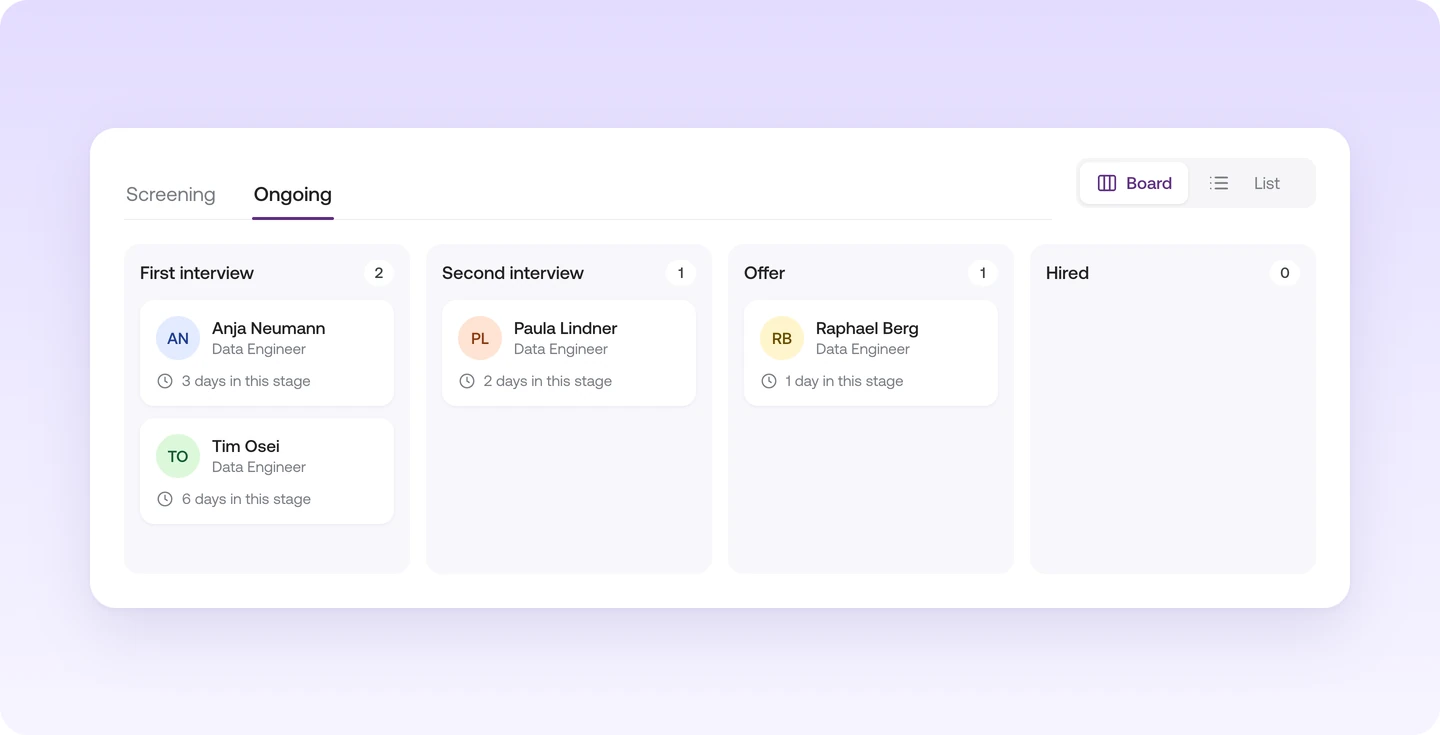
How the board and list work
A job's "Ongoing" tab holds all ongoing applications. Applications you haven't decided on yet wait in the "Screening" tab first. At the top of the tab, you switch between board and list.
- The stages are the same for every job. For example, first interview, second interview and offer. Your whole team reads the board the same way.
- Each card shows how long the talent has been in their stage. You spot right away where a process is stuck.
- Click a talent to open the talent side panel. Profile, chat, notes and CV are all there.
How to get to the board
Under "Jobs", click "Open board" on the job card. You land right in that job's "Ongoing" tab.
