
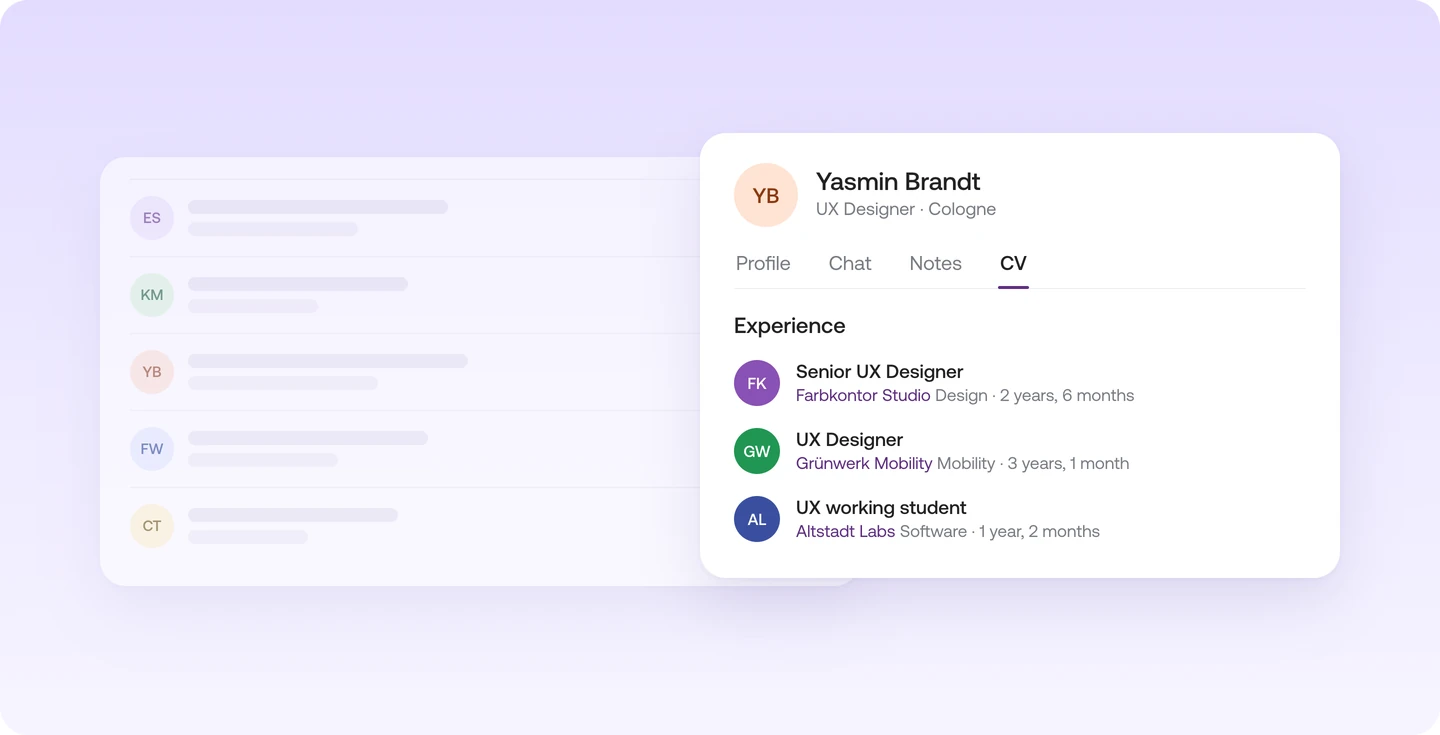
How the talent side panel works
Click a talent in Screening or in the "Ongoing" tab, and the talent side panel slides in from the right over the list or board. Close it, and you're right back where you were.
- The profile shows what the talent has shared about themselves.
- In the chat you message the talent, with templates for messages you send often.
- In the notes you and your team record your impressions. You also request feedback from there.
- The CV shows the talent's background, with industry and duration for each position.
Not to be confused with the sidebar on the left
Instaffo has a second sidebar on the left. That one is the navigation, with your jobs, search and settings. The talent side panel on the right always belongs to a single talent.
