
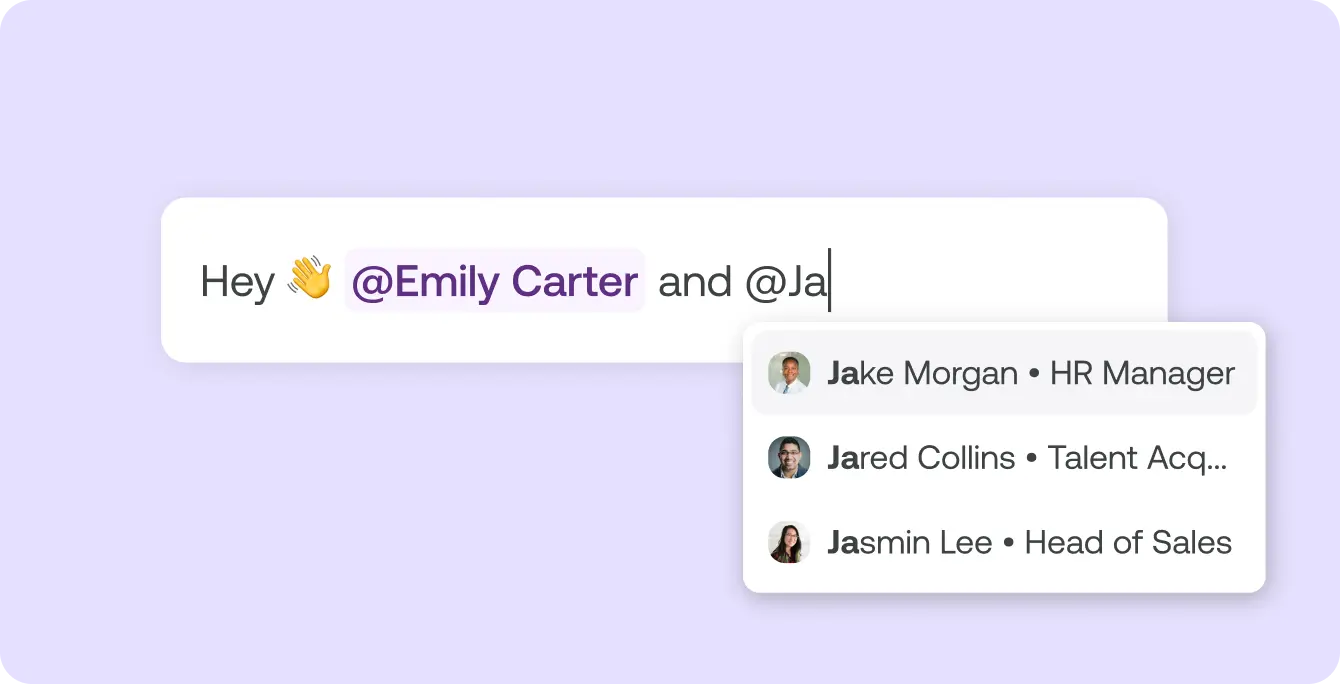
How to get feedback from your team
There are two ways: a quick @ mention in a note, or a feedback request by email. You start both in the talent side panel, in the "Notes" tab.
- @ mention in a note. Write a note and mention colleagues with @. They get a notification and a feedback request.
- Feedback request by email. Under "Request Feedback", pick team members or enter an email address. That way you can also ask people who don't have an Instaffo account.
- Copy the link. If you'd rather send the request yourself, copy the feedback link and share it within your company.
What the person you ask sees
People without an account open the link from the email without logging in. They only see this talent's profile, pick their impression from "Positive", "Not sure" and "Negative", and can add a few lines. Their answer lands as a note on the application, where you read it together with your team.
