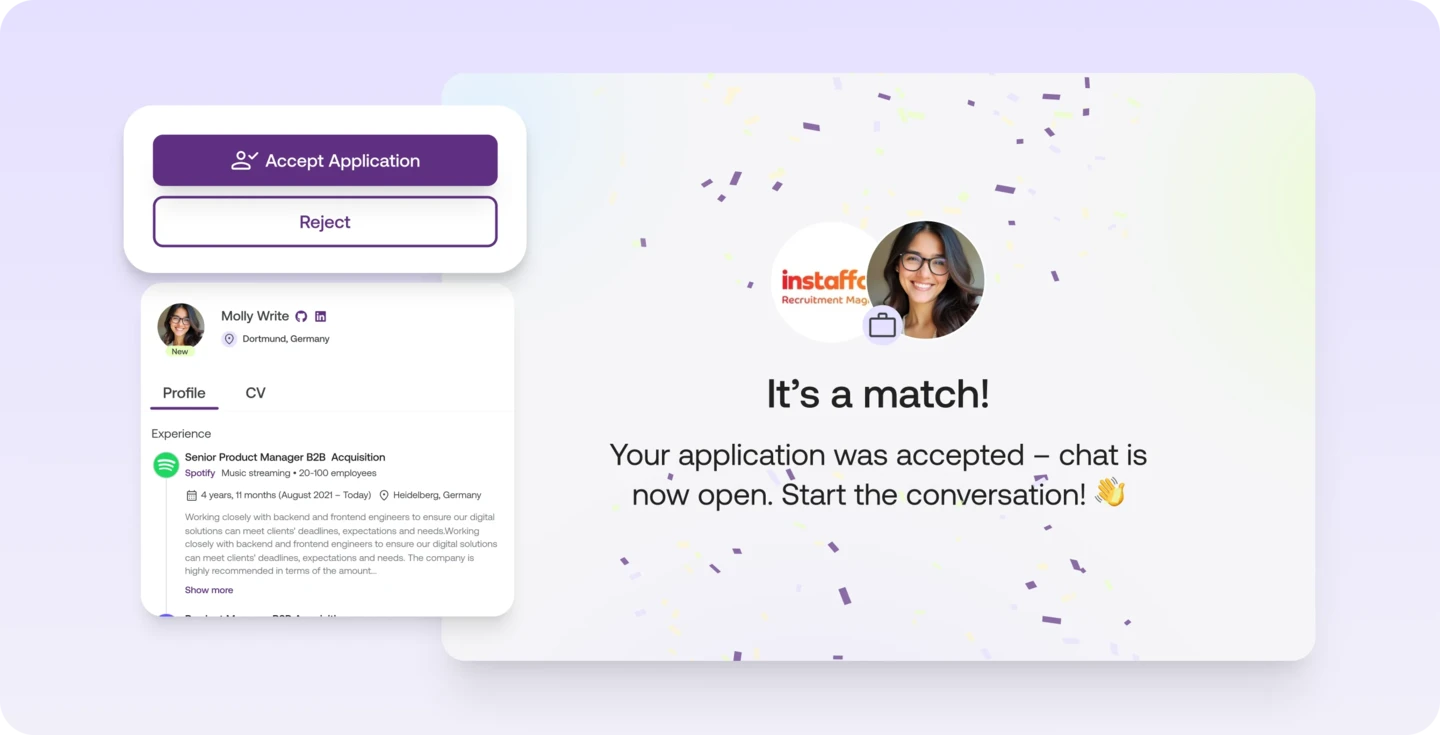
Accept or reject applications: the chat only starts after your yes

What it is

The chat with a talent only starts once you accept their application.

Who it's for:
Recruiting and HR teams, hiring managers and founders who receive applications and start conversations with talent
Accept or reject applications: the chat only starts after your yes

What you get

  • Spend your time on people who fit your job, and get to the first interview sooner
  • Close applications that don't fit with one click
  • After you accept, talk to the person together with your hiring team

How it works

Accept with one click

Open a new application in Screening. If the person fits, click "Accept application". This starts the chat, and you connect directly with the applicant and your hiring team.

Reject with one click

Not a match? Reject the application just as quickly, with one click too.

Learn more

You decide when a conversation starts.

  • Accept an application, and you chat with the talent and your hiring team right away
  • Not a match? Reject with one click and the application is off your desk

You'll find it in every job under "Screening".

Read more in the Help Center

Frequently asked questions

When does the chat with an applicant start on Instaffo?

The chat only starts once you accept the application with one click.

How do I reject an application on Instaffo?

Open the application in Screening and reject it with one click.

Who is in the chat after I accept?

You and your hiring team. You talk directly with the applicant.

Find your next talent with Instaffo

Talentkarte eines Senior Financial Analyst auf Instaffo mit Button zum Jobvorschlag