
How search works
- Open search in the sidebar or with a shortcut: Ctrl+K on Windows, Cmd+K on a Mac.
- Search the talent from your applications and find your jobs directly.
- Open a job from search as a preview, or edit it right away. Your call.
One search for talent from your applications and for your jobs, available on every page.
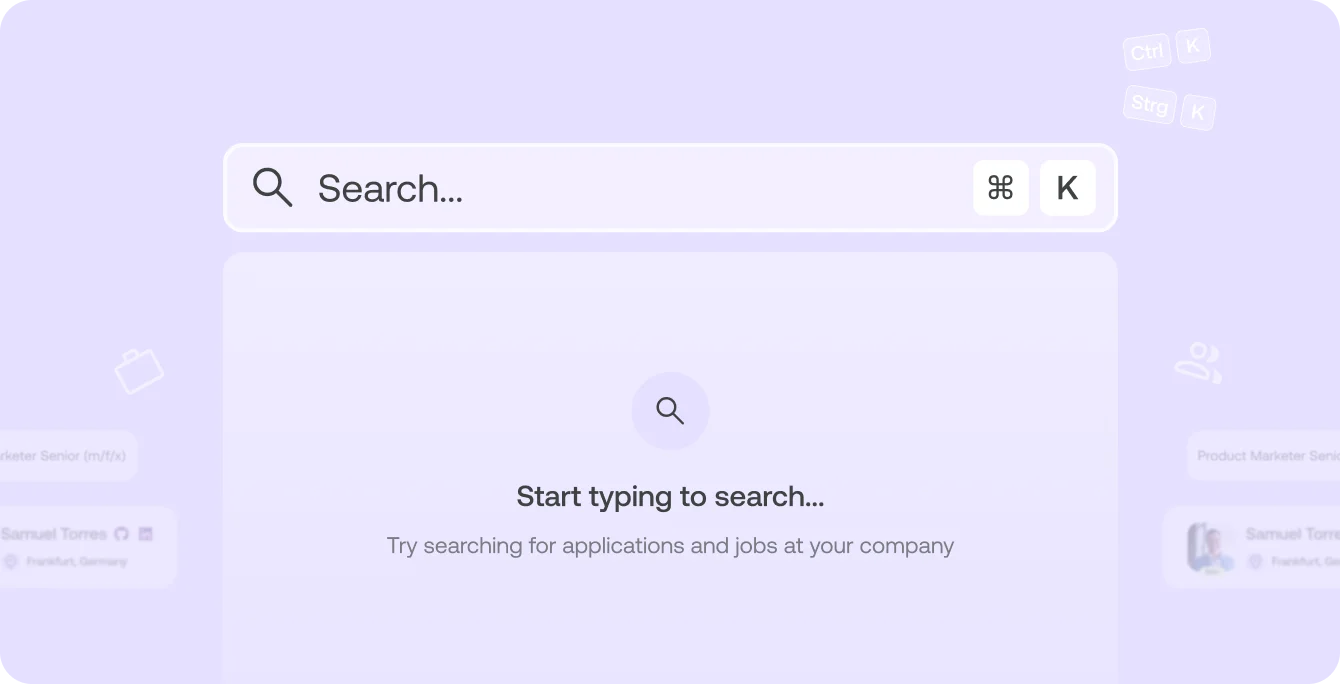
You can reach search from every page.
Open search with Ctrl+K (Windows) or Cmd+K (Mac).
Use global search. Open it in the sidebar or press Ctrl+K (Windows) or Cmd+K (Mac).
Ctrl+K on Windows and Cmd+K on a Mac.
You find talent from your applications and your jobs, both in one place.
Yes. Open a job from search as a preview or edit it right away.
