
How to look after your company profile
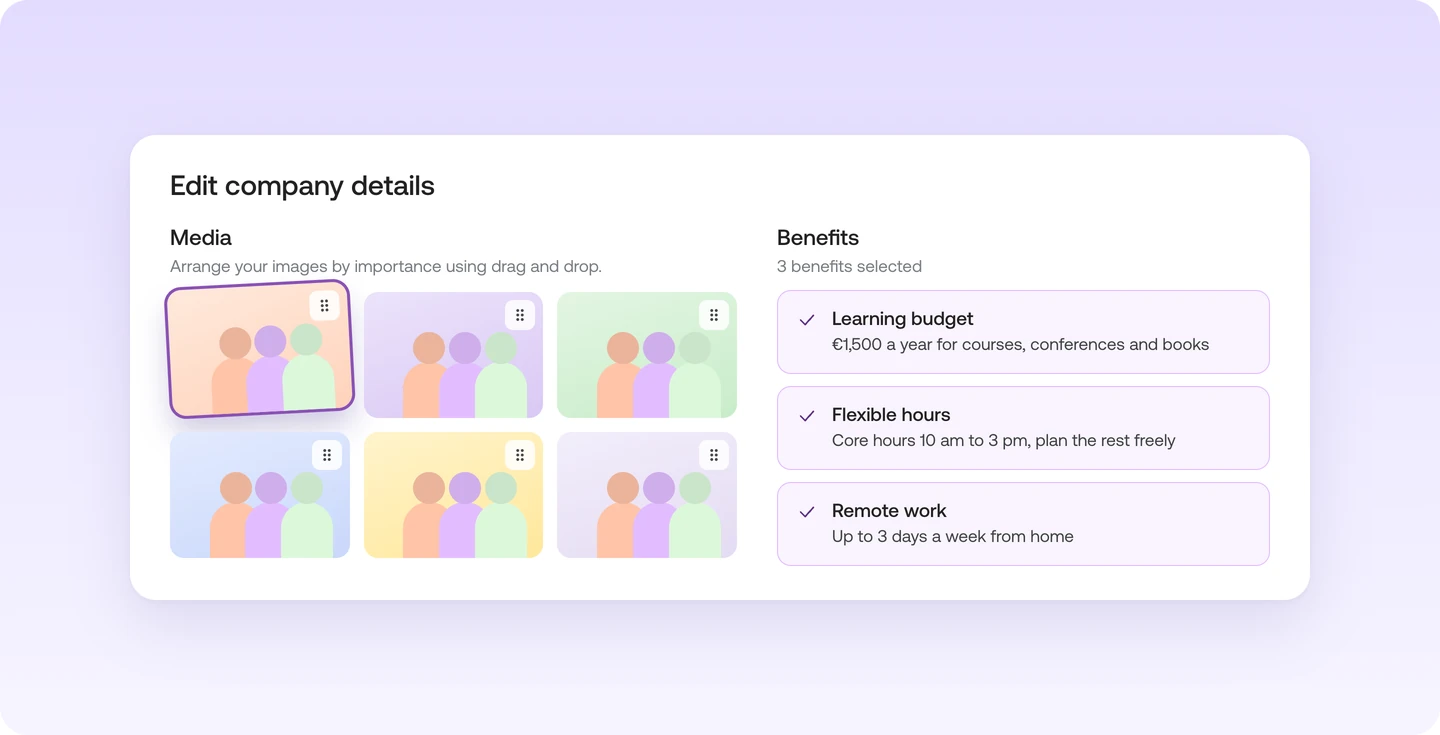
Open your company profile from the menu with your name, under "Company Profile". "Edit company details" lets you change everything in one window.
- Company details. A short description of your company, all your locations and links to your website and social media.
- Media. Photos of everyday work and links to videos you already have.
- Benefits. Pick the benefits you offer and describe each one in a few words.
Which photos work well
Instaffo recommends easily recognisable images, such as team photos from an event. Leave out company logos and pictures of empty offices. Drag your most important photo to the front.
Where talent sees your profile
Your company profile appears on each of your jobs under "Company details". What you change applies right away to the profile and to all jobs.
