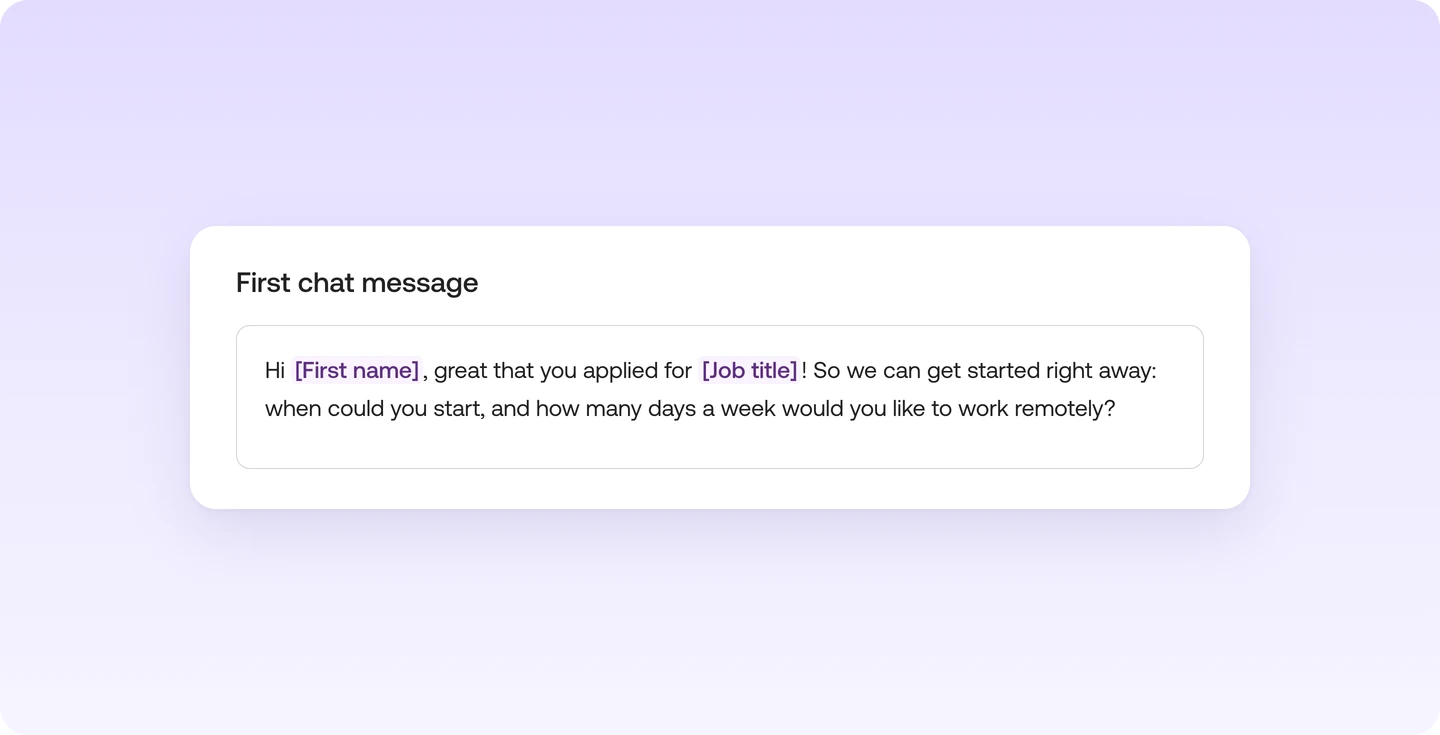
First chat message per job: goes out automatically when you accept an application

What it is

For each job you set a first chat message that goes out automatically once you accept an application.

Who it's for:
Everyone who accepts many applications per job and starts each conversation with the same questions
First chat message per job: goes out automatically when you accept an application

What you get

  • Start every conversation right away with the questions you need for your assessment
  • Reuse a message that works well from another job
  • Get help with the wording from AI

How the first chat message works

For each job, you set up the message every conversation starts with. It only goes out once you accept an application. If you reject, the talent doesn't get it.

You'll find it under "First chat message" when you edit your job.

For each job, you set up the message every conversation starts with.

  • Welcome the talent and ask the questions you need for your assessment
  • Reuse a message that works well from another job
  • Get help with the wording from AI
  • The message only goes out once you accept. If you reject, the talent doesn't get it

You'll find it under "First chat message" when you edit your job.

Read more in the Help Center

Frequently asked questions

Find your next talent with Instaffo

Talentkarte eines Senior Financial Analyst auf Instaffo mit Button zum Jobvorschlag